
Honest
Illustrations and templates are starting points. Your own box and inventory remain the source of truth.
A calmer way to pack
Tackle HUD gives every box a visual home: a layout you can build, an inventory you can edit, and a readiness check you can use before the next trip.
Completely free to download and use · no subscription · no paywall
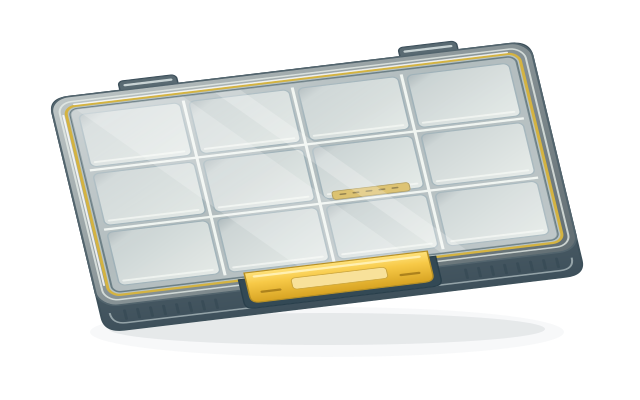
The workflow
Start with the physical case, keep the layout honest, and leave the dock with less to remember.
Choose your starting point
Pick a supported box style or start from a Plano EDGE model. The app gives you a clear grid to match the case you actually carry.
Classic 3600, Classic 3700, Plano EDGE 3700, and Plano EDGE Flex 3700 are the current starting templates.
Map the layout
Build a layout visually, merge adjacent compartments when a larger insert spans them, and choose the insert type that matches each section.
Hook retainers, weight retainers, Flex dividers, hang inserts, and hard-bait protection are part of the insert library.
Record and correct
Open a compartment, record the item and quantity you actually carry, then edit it as your rig changes. Your saved box remains a working reference, not a frozen catalog.
Slot addresses are illustrative. Confirm the physical dividers and inserts against your own box before relying on the plan.
Keep it ready
Add item names, quantities, notes, and optional product links to each bin. Your local inventory stays available on the device when service is limited.
No order history or retailer account is read. Product links are entered by you and open in your browser.
Designed for real tackle
The core box workflow is local-first. You can open your saved layouts, edit bins, and keep organizing without waiting for a connection. Connect a shared account when restore or synchronization is useful.
Illustrations and templates are starting points. Your own box and inventory remain the source of truth.
Slots use names and addresses you can recognize at the ramp, not opaque IDs.
Your box plan stays with the app on your iPhone or iPad, even when service fades.
Ready when you are