
Compact utility2 × 3
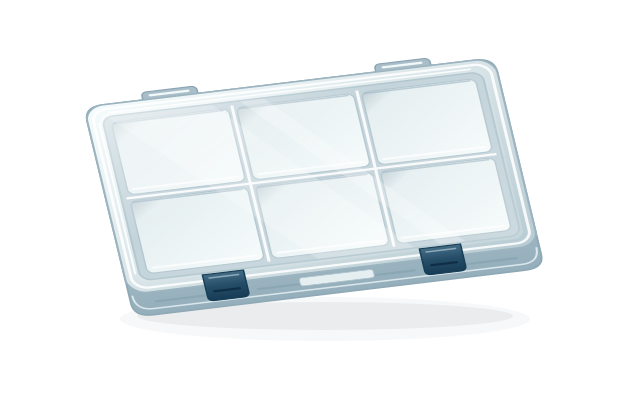 ILLUSTRATIVE LAYOUT
Classic 3600
A compact starting point for a small terminal-tackle loadout.
Build this kind of planStart with the real box
Tackle HUD uses a practical grid so your digital plan follows the case in your hand. Choose the closest starting layout, then adjust compartments and inventory to match your rig.
Completely free to download and use · no subscription · no paywall
See the workflowSupported starting layouts
The grid is illustrative. It helps you organize your plan; it is not a measurement of a manufacturer's compartment dimensions.
ILLUSTRATIVE LAYOUTA compact starting point for a small terminal-tackle loadout.
Build this kind of plan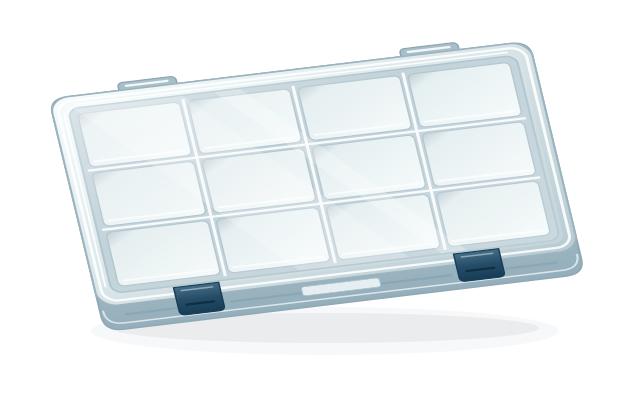 ILLUSTRATIVE LAYOUT
A full-size plan for a wider mix of tackle categories.
Build this kind of plan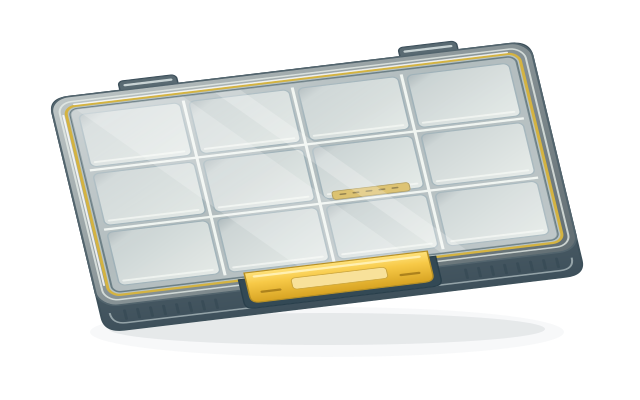 ILLUSTRATIVE LAYOUT
An EDGE-style starting point with the signature yellow hardware.
Build this kind of plan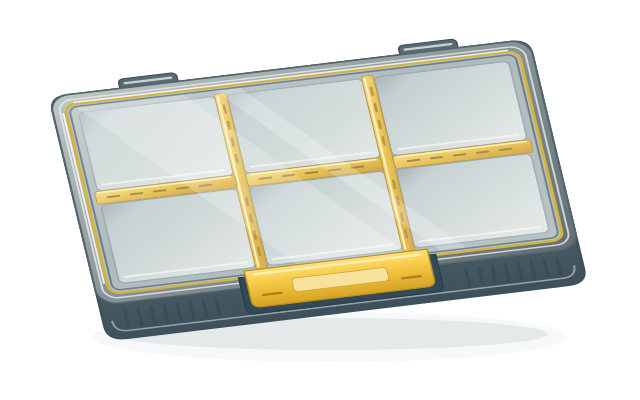 ILLUSTRATIVE LAYOUT
A flexible-divider plan when the mix changes from trip to trip.
Build this kind of planThe insert library
A box is only useful when you can find the right thing quickly. Tackle HUD keeps insert choices visible so each compartment can have a job, from small hooks to long hard baits.
Choose your deviceSmall, medium, and large sizes keep terminal tackle separated.
Dedicated pockets for drop-shot, bullet, barrel, and punch weights.
One- through four-column spans for the EDGE Flex series.
Short and deep vertical-hang configurations for hard baits.
Padded compartments that keep hooks from tangling.
One honest caveat
Names and grids help you get started, but the layout you save should reflect the box, inserts, and tackle you actually own. Tackle HUD never reads purchase history or promises live product availability.