The useful parts
A better memory for the gear you own.
Build a local box library, record what is in each bin, and compare the box you have with what the next trip needs.
Download free on the App StoreFrom physical box to clear next step
Less rummaging. More useful information.
Tackle HUD is built around a simple loop: name the box, give each bin a job, then check the gaps before you leave. The app stays honest about what it knows—and what you still need to confirm yourself.
A visual box library
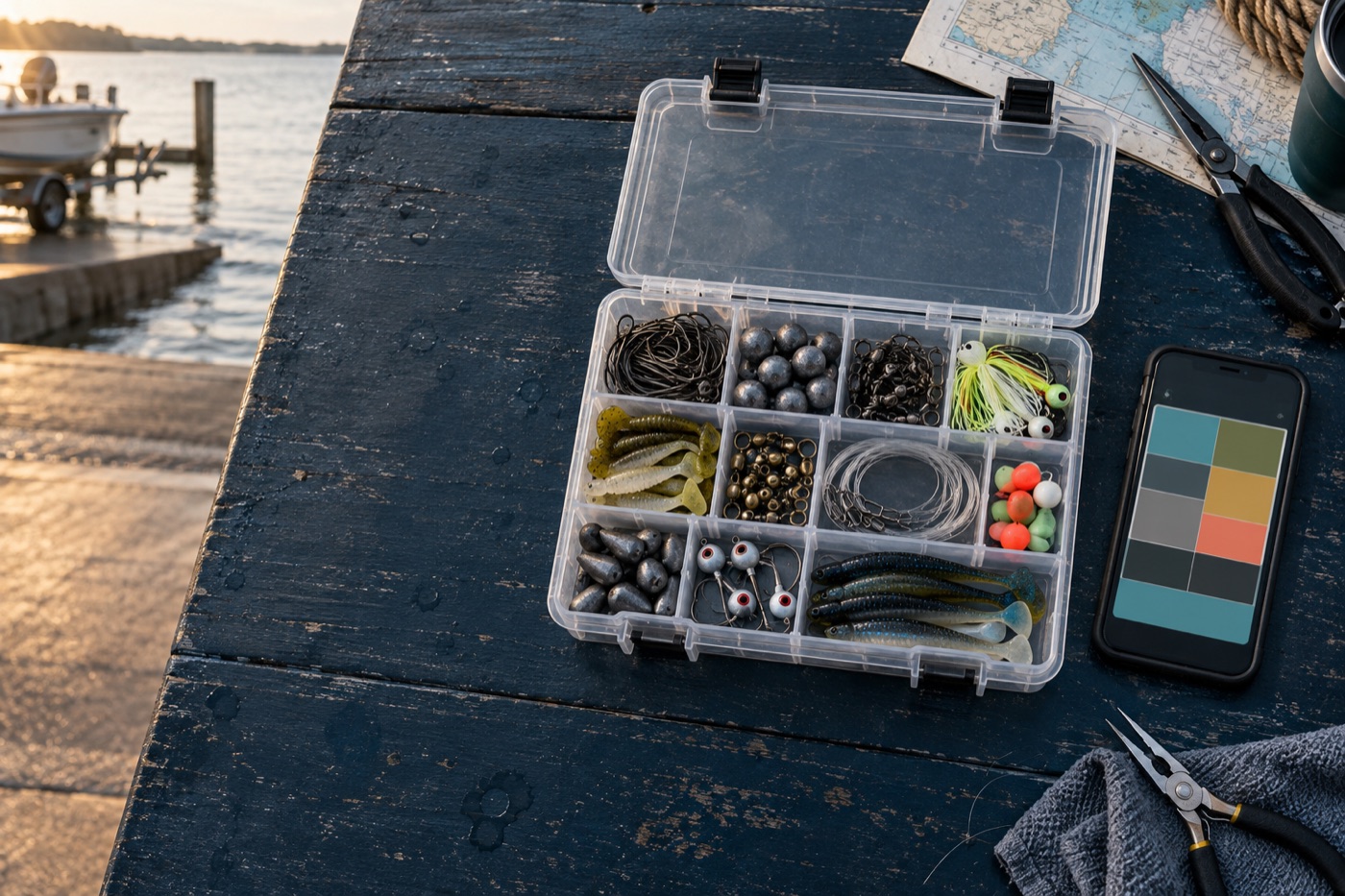
Create a named library of the boxes you actually fish. Start from an illustrative template, then use the physical case in front of you as the reference.
- Classic 3600 and 3700 starting templates
- Plano EDGE 3700 and EDGE Flex 3700 templates
- Named boxes for multiple rigs or trips
- Illustrative slots with honest fit guidance
Bin-level inventory
Tap into a bin and record the item, kind, quantity, capacity, condition notes, and optional product reference that matter to your setup.
- Hooks, weights, swivels, leaders, jigs, and terminal tackle
- Quantity and capacity tracking per bin
- Rust or condition notes where useful
- Draft-safe editing with explicit save and clear actions
Trip readiness checks
Define what a trip needs, compare it with a box, and see which requirements are missing, under-stocked, or mismatched before departure.
- Trip blueprints with dates and named requirements
- Readiness scoring across fill, coverage, and integrity
- Missing-quantity and foreign-hardware callouts
- Transfer checklist output for the next outing
Product references you control
Add the product-page links or identifiers you choose so a box can hold context without pretending to be a retailer catalog or purchase history.
- User-entered product references
- Safe validation for supported identifiers and links
- No order history imported
- No promise of live product availability
Local-first storage
Your box library renders from local SQLite storage first. Core organization and editing do not wait on a network connection.
- No account required to create a local box
- Offline edits remain available on the device
- Queued changes retain explicit state
- Clear recovery messaging when sync needs attention
Optional account sync
When you connect the shared Fish Fathom account, Tackle HUD can restore and synchronize the boxes that belong to that account while preserving the local-first workflow.
- Explicit account connection rather than forced sign-up
- Hydrate local storage before dependent UI flows
- Idempotent queued sync operations
- Conflict and rejection states remain visible
Make the next box easier to grab.
Download Tackle HUD freeiPhone & iPad · iOS 16+ · Start locally, sync when useful