Build the layout
Start with the box in your hands.
Choose a supported Plano EDGE starting layout, then map the inserts and compartments that match the case you actually fish.
Explore box layouts Completely free · offline-first tackle organization
For the angler who packs with a plan
Tackle HUD gives your tackle boxes a visual home. Map the layout, check what each bin holds, and compare the box with the next trip on your iPhone or iPad. Completely free to download and use—no subscription or paywall.
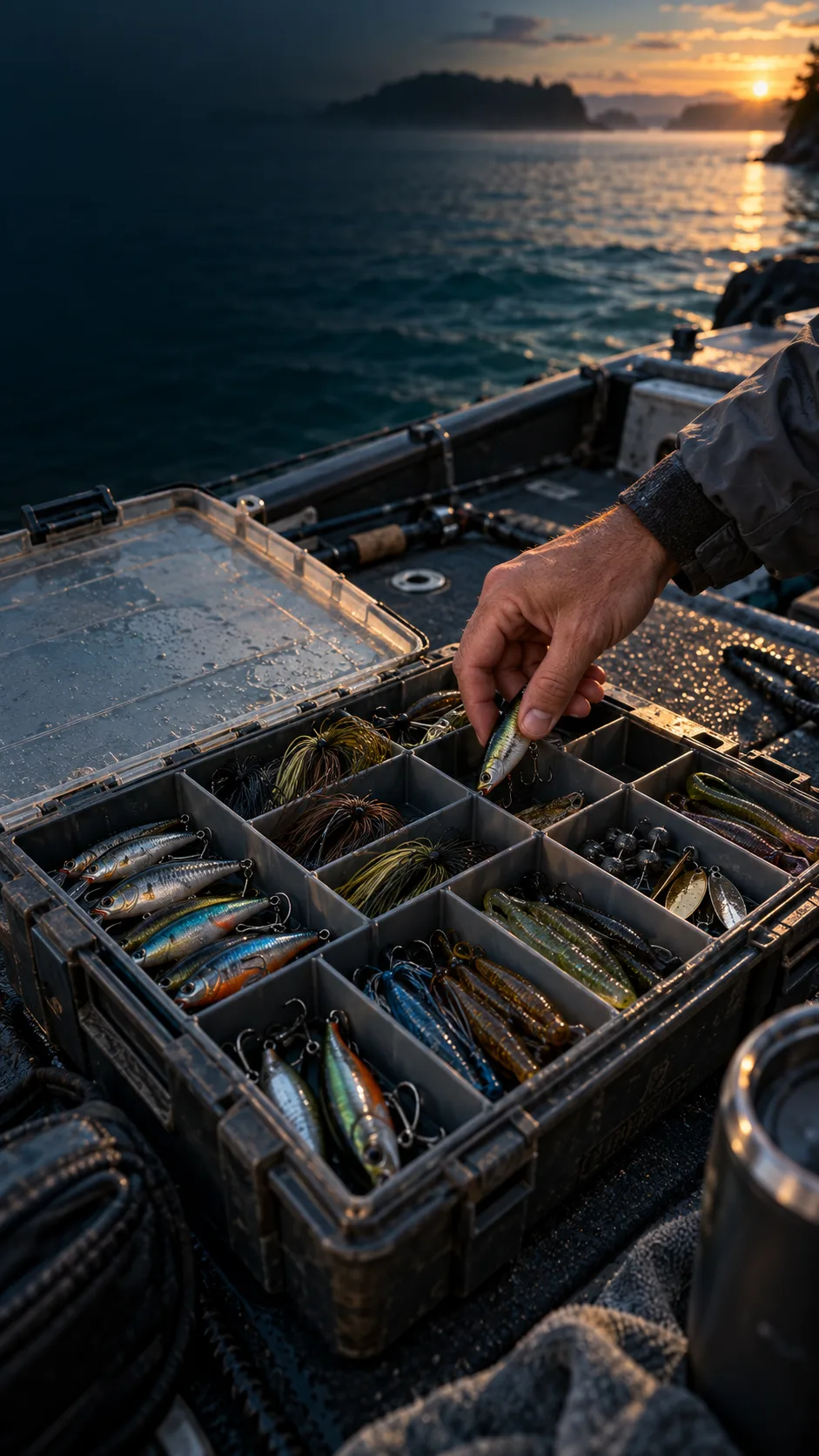
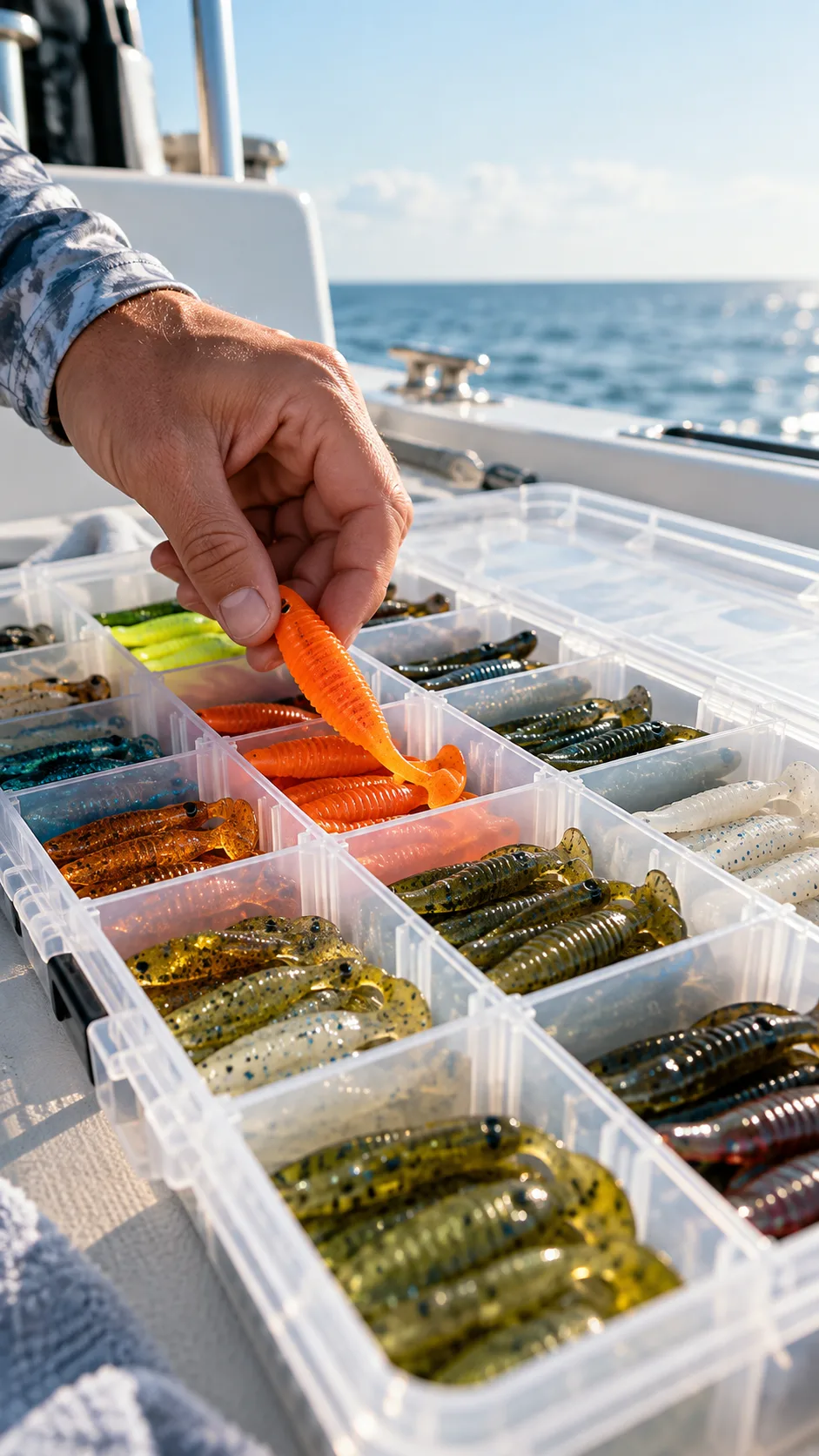
Your gear has a memory
The best tackle system is the one that still makes sense when you are packing in a hurry. Tackle HUD keeps the physical box, the digital map, and the next trip's needs in the same conversation.
From bench to boat ramp
Tackle HUD follows the order anglers already use: start with the physical box, make the contents legible, then leave with less to remember.
Build the layout
Choose a supported Plano EDGE starting layout, then map the inserts and compartments that match the case you actually fish.
Explore box layoutsPlan the trip
Create a trip blueprint, compare it with the box you have, and surface missing, low, or mismatched gear before you leave.
Explore readinessKeep it ready
Your local library stays usable when the connection disappears. Connect an account later when you want restore and shared sync.
Browse featuresRefresh your box
Explore a photo-to-refill preview: review box health, edit the bins, and choose a focused refill or a complete new box for your next trip. Review a sample cart before the Amazon handoff.
Try the photo refresh previewThe useful parts
Build the box once, adjust it as your rig changes, and keep the digital plan close to the tackle instead of in your head.
Design a box layout on a practical grid, merge spaces for larger inserts, and keep the digital plan aligned with the case in your hand.
Compare a box with the requirements for a trip and see the missing quantities or mismatched gear before the boat ramp.
Open a bin, record the item, kind, quantity, capacity, notes, and optional product reference, then save the change without losing your draft.
Start with a practical template for Classic 3600, Classic 3700, Plano EDGE 3700, or Plano EDGE Flex 3700, then match it to your physical box.
Create and edit your box library on the device first. No account or connection is required for the core organization workflow.
Connect a shared Fish Fathom account when you want to restore and synchronize your boxes; local edits remain your working copy.
Built around real gear
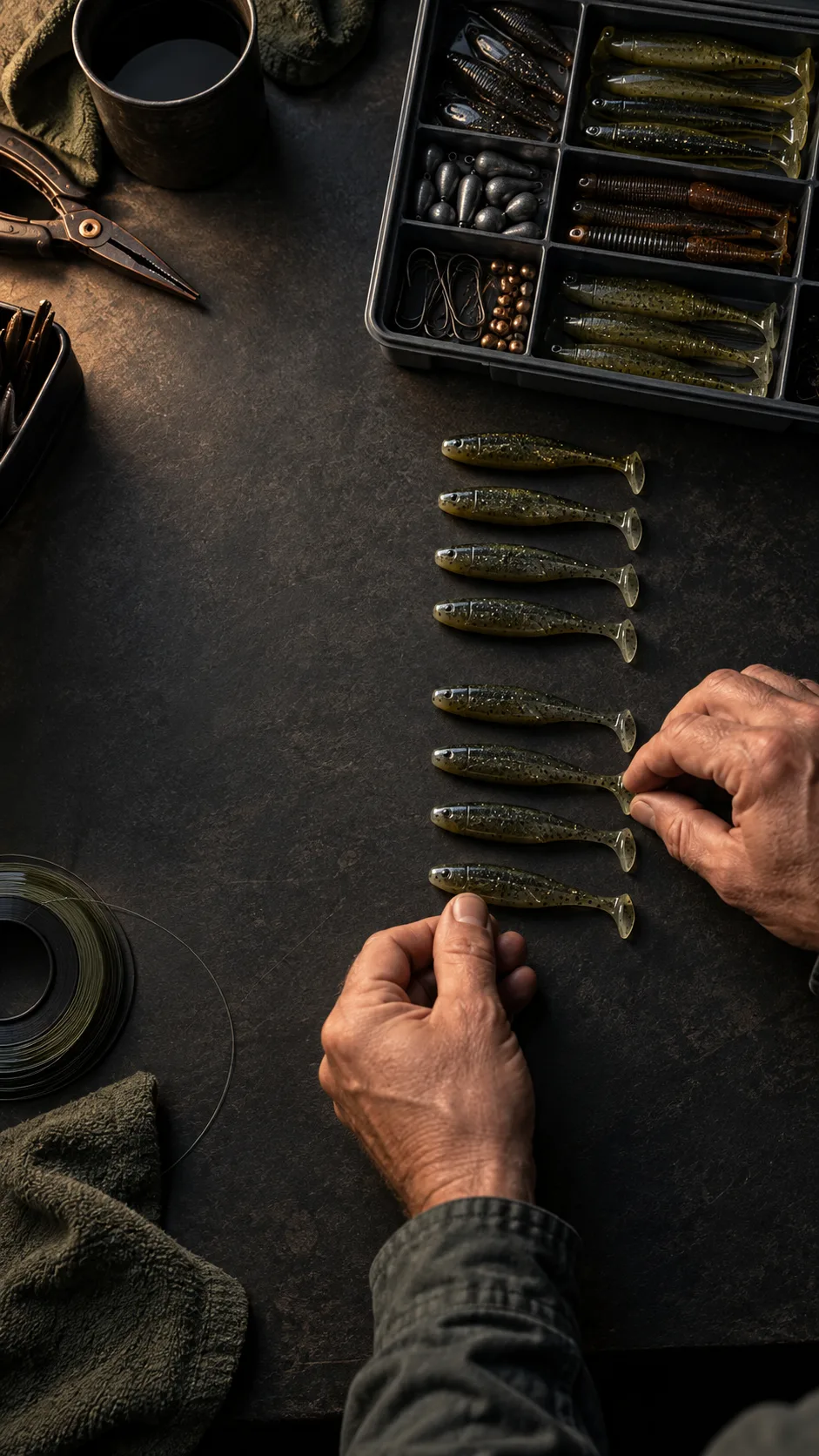
Tackle HUD is not a retailer catalog and it does not pretend to know what is in your truck. You choose the closest layout and record the inventory you actually own.
Before you download
Tackle HUD keeps the core job focused: organize the tackle you own so you can find it when the next trip starts.
Visit supportYes. Your box library is saved on the device first, so you can create and edit boxes without signing in or waiting for a connection.
You can organize supported Plano EDGE box layouts, inserts, tackle names, quantities, notes, and optional product links that you enter yourself.
Local edits remain available offline. When you connect your shared Fish Fathom account, Tackle HUD can restore and synchronize the boxes that belong to that account.
The rest of the trip
Tackle HUD helps organize the gear you own. Fish Fathom is a separate trip-planning app for bathymetric maps, offshore conditions, routes, and private waypoints; visit its site to see the current app features and access options.
Pack the plan. Fish the day.
Download Tackle HUD completely free for iPhone and iPad. Start locally, then connect an account when you want shared sync.
Choose your deviceNo subscription · no paywall · iOS 16+ · iPhone and iPad · Built by BoatGlider, LLC